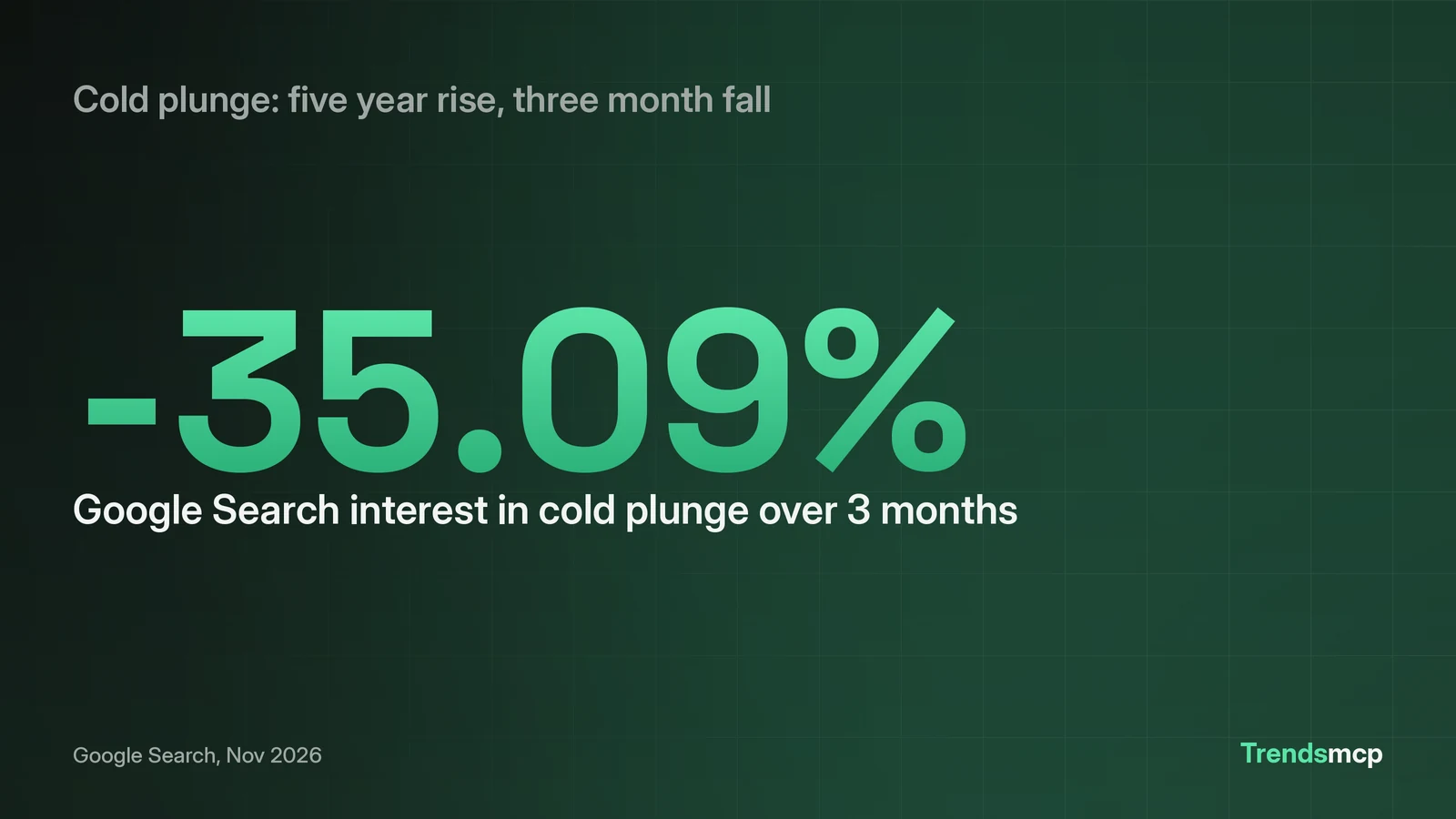
A Claude trend research workflow runs in four steps. First, ask Claude what is trending right now. Second, pull the five year Google Search series for one candidate keyword. Third, check growth over 3 month and 12 month windows on Google Search and Amazon. Fourth, apply a verdict rule to the numbers before acting. The worked example below runs the full workflow on cold plunge, a keyword with 110,000 Google searches a month. Its five year average rose every year to 64.2 in 2026, yet Google Search interest fell 35.09 percent over 3 months and 30.19 percent over 12 months. The verdict reads cooling, not dead. Each step names the exact prompt to paste into Claude and the exact cost of the call behind it.
How to connect Claude first
Claude connects with a sign in, no key to paste. In Claude, open Settings, then Connectors, then Add custom connector. Name it Trends MCP and enter https://www.trendsmcp.ai/mcp as the URL. ChatGPT signs in at the same URL. Clients that take an API key, such as Cursor, VS Code, and Claude Code, use https://api.trendsmcp.ai/mcp instead. A free key lives at https://www.trendsmcp.ai/account. To get one, enter an email address, type the 8 digit code that arrives, and the key is ready, with no card asked. Code based tools can also call the REST endpoint directly. Send POST https://api.trendsmcp.ai/api with the header Authorization: Bearer YOUR_API_KEY and a JSON body where mode names the tool. The setup page for Claude spells out each click on the MCP server for Claude page.
Step 1: Ask Claude what is trending right now
Step 1 finds candidates worth a closer look. Paste this prompt into Claude:
Using Trends MCP, what is trending on Google right now? Show the top 10.
The call behind it is get_top_trends on the Google Trends board. It returns a ranked list and needs no keyword. The board snapshot used here was taken on 2026-11-04 at 07:01 UTC, and board data lags a few days behind live search, so read the list as a snapshot, not a live ticker. The top five that morning were:
| Rank | Search |
|---|---|
| 1 | 2026 US election results |
| 2 | james talarico |
| 3 | michigan senate race |
| 4 | gina hinojosa |
| 5 | native american heritage month |
Four of the five slots track the same election story, which shows how fast one news event can fill a board. A candidate for step 2 should come from this list only when the topic fits the reader's own market. A spike tied to one news event needs the series check in step 2 before it earns any time. The AI trend research page sets out the wider job this workflow serves.
Step 2: Pull the five year series for one candidate
Cold plunge is the candidate, and Keyword Planner puts it at 110,000 Google searches a month with HIGH competition. Paste this prompt into Claude:
Using Trends MCP, show me the Google Search trend for cold plunge over the past 5 years.
The call behind it is get_time_series with keyword cold plunge and source Google Search. It returns weekly points on a 0 to 100 index, plus volume where the source has it. The run returned 261 weekly points, from 2021-11-06 at index 2.0 to 2026-10-31 at 37.0. The peak hit index 100 on 2026-06-13, and 5 weeks reached 90 or above. Yearly averages show the shape of the rise:
| Year | Average index |
|---|---|
| 2021 | 2.9 |
| 2022 | 8.8 |
| 2023 | 35.6 |
| 2024 | 46.8 |
| 2025 | 56.1 |
| 2026 | 64.2 |
The average rose every year. The latest point sits at 37.0, far above the 2.0 start yet far below the June peak. That gap is the reason step 3 exists: a high level with a falling slope needs a growth check, not a guess. Readers who want the Google setup first can read how to connect Google Trends to Claude.
Step 3: Check growth over short windows
Step 3 measures momentum. Paste this prompt into Claude:
Using Trends MCP, how has Google Search and Amazon interest in cold plunge grown over the past 3 and 12 months?
The call behind it is get_growth with percent_growth set to 3M and 12M on Google Search and Amazon. It returns one result per window, with the growth percent, the direction, and the two dates compared. The run returned:
| Source | 3M growth | 12M growth |
|---|---|---|
| Google Search | -35.09% | -30.19% |
| Amazon | -42.93% | -44.44% |
Both sources fall on both windows, and Amazon falls further than Google Search on each one. A 3 month dip alone can mislead: a dip after a June peak may be seasonal. The 12 month fall beside it rules out a short dip. Two falling windows on two sources point the same way.
Step 4: Apply the verdict rule before acting
Step 4 turns the numbers into a call. The rule used here: a five year rise plus a 3 month fall means cooling, not dead. Cold plunge passes the first half: the yearly average climbed from 2.9 in 2021 to 64.2 in 2026. It also passes the second half: Google Search fell 35.09 percent over 3 months. Cooling means demand stays high against the 2021 base while momentum points down. The latest index of 37.0 sits far above the 2.0 start, so the topic still draws real search volume. The same numbers argue against treating it as a rising topic. A research team acting on this verdict watches the next series before committing, and a content team picks a narrower angle inside the topic, such as recovery routines or cold water safety, rather than a broad cold plunge push.
What each tool returns
The workflow uses three tools, and each one answers a different question.
| Tool | It returns |
|---|---|
| get_top_trends | A ranked board of what is trending now, with no keyword needed, plus the snapshot time |
| get_time_series | Weekly history for one keyword on one source, as points on a 0 to 100 index |
| get_growth | Percent change per window, with the direction and the two dates compared |
get_top_trends finds candidates. get_time_series shows whether a candidate has a history worth acting on. get_growth shows whether that history is still moving up. Run them in that order, and each call narrows the field before the next one spends a request.
What each call costs
Three calls run the workflow. get_top_trends costs 1 request per 10 rows over MCP. get_time_series costs 1 request per call. get_growth costs 1 request per source. The cold plunge run used one call per tool, and the cost came to 4 requests: 1 for the board of 10 rows, 1 for the series, and 1 per source for growth across 2 sources. Plans and request pools sit on the pricing page. The cost stays the same on every run, since each step calls the same tools with the same settings.
When the workflow says wait
Wait when the series is flat and the growth windows fall together. Wait when a board candidate has no history on the chosen source: a tool that returns no data says the keyword does not exist there, not that demand is zero elsewhere. Wait when sources disagree: a rise on Google Search beside a fall on Amazon needs a third check before any call. The workflow earns its keep by stopping weak ideas early. A keyword that passes all four steps still needs a check of what already ranks for it before a page goes live. Readers who want to compare tools before settling on one workflow can start with the roundup of the best AI trend research tools of 2026.